add nihongo
jlpr filename
where
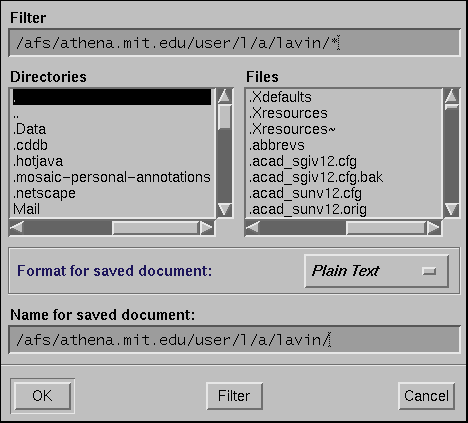
filenameis whatever you typed into the field in the dialog box. (Make sure you're in whatever directory you saved the file in before you try to print.)
Unfortunately, neither Mosaic nor Netscape allow you to print Web pages with Japanese text on them directly to the Athena Postscript printers. (Nor can you save the Postscript to a file and later print that.) For some reason, the routines the UNIX versions of both software packages use to dump the Postscript data unrecoverably chew up the Japanese text, and produce garbage.
You can, however, get at least the Japanese text to print out if you save the Web page as plain text, and then print that using the Athena "jlpr" command. NOTE: you will not get a printout of any of the graphics on the page when you do this. We're sorry, but there appears to be nothing we can do about this until Netscape and Mosaic fix their browsers. If you want the pictures, you can just print the pages normally, and the Japanese text will be unreadable.
add nihongo
jlpr filename
where
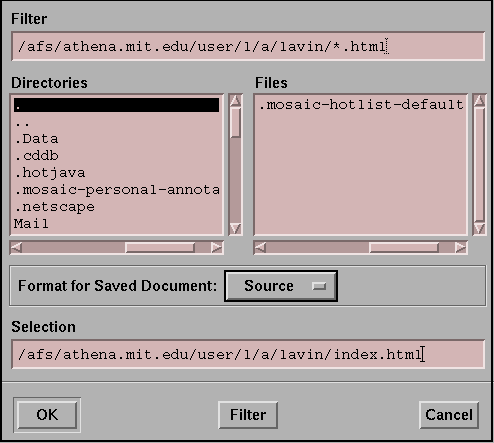
filenameis whatever you typed into the field in the dialog box. (Make sure you're in whatever directory you saved the file in before you try to print.)
add nihongo jlpr filename
where
filenameis whatever you typed into the field in the dialog box. (Make sure you're in whatever directory you saved the file in before you try to print.)