


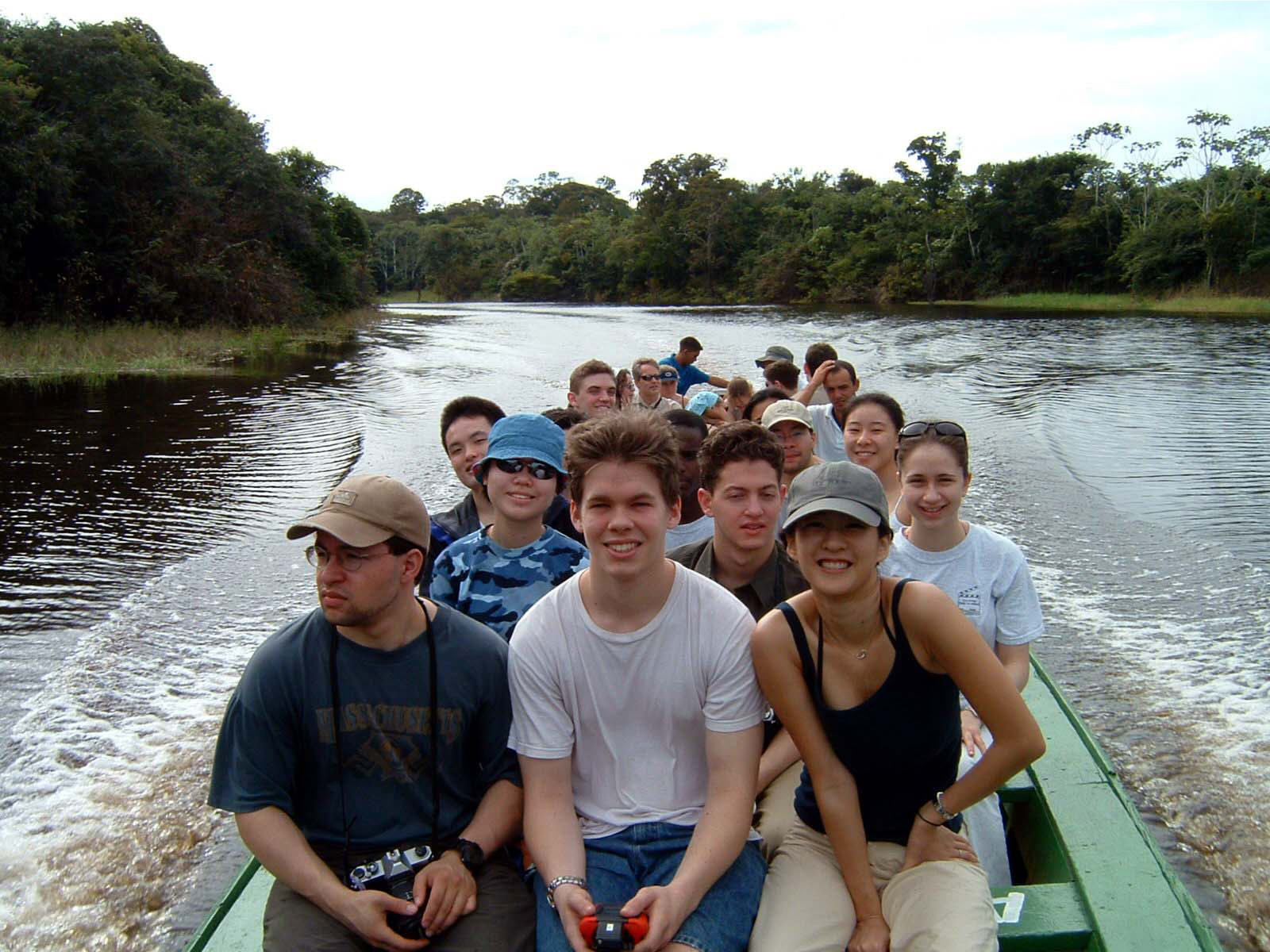
Terrascope students shape their own education as they take on the planet’s biggest issues
Each year, students focus on a global environmental issue. See this year's solutions for a sustainable future >>
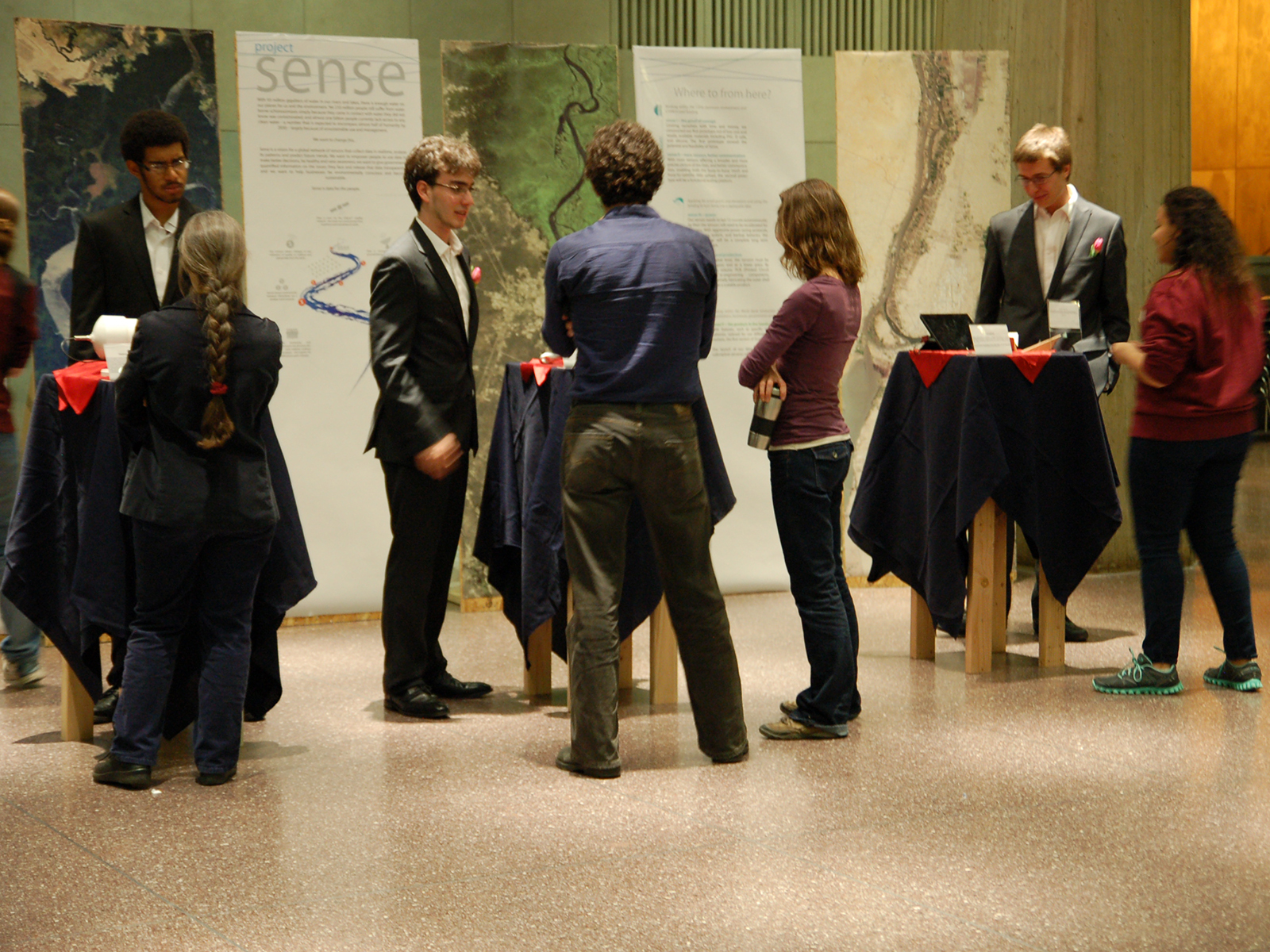
A learning community for first-year students to take charge of their education and address real-world problems facing the planet
Learn about our innovative, award-winning, project-based learning community at MIT >>
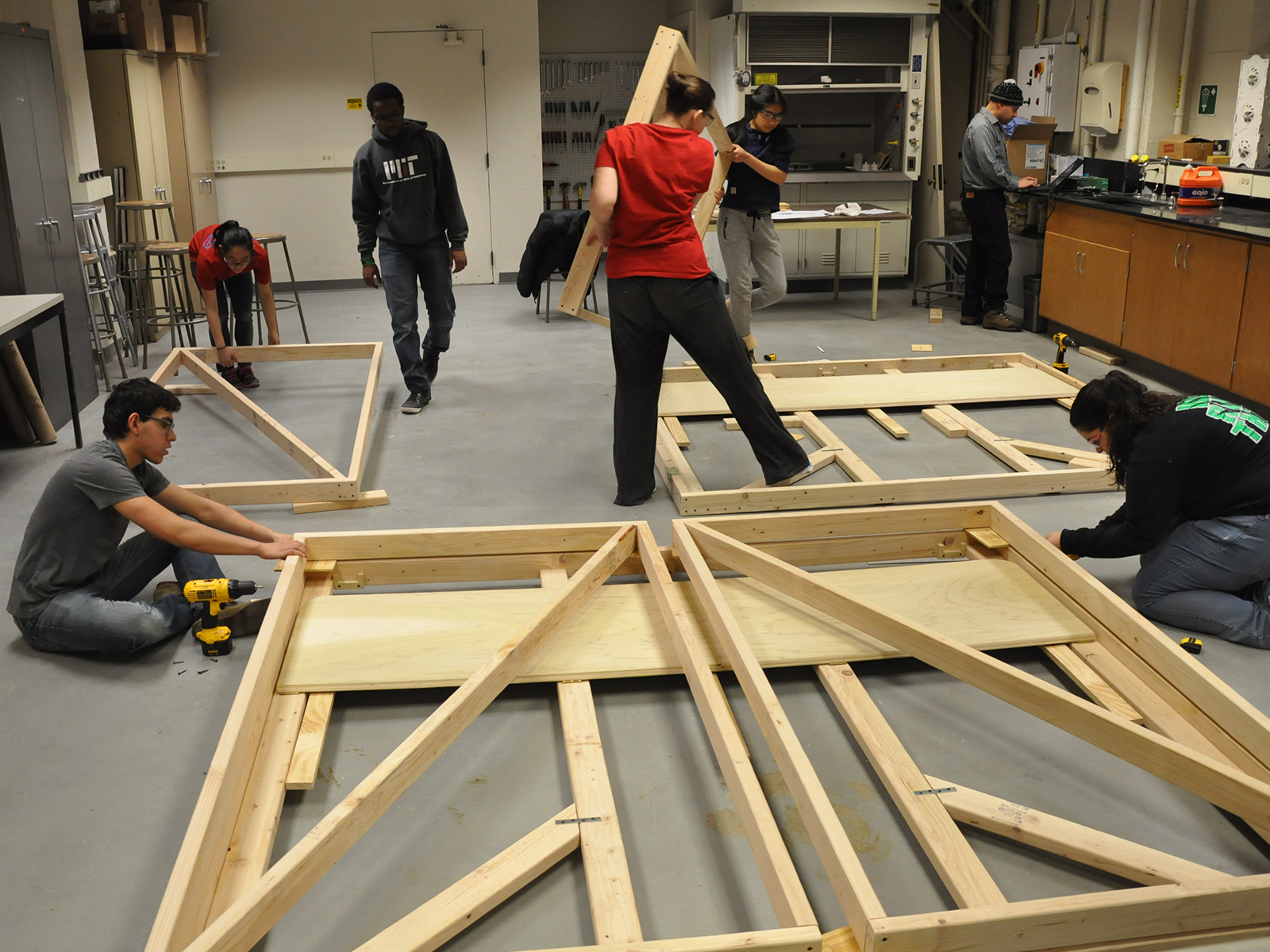
Students decide how to break down a problem, shape a solution, and move projects forward.
Explore complex, real-world problems as soon as you arrive at MIT >>
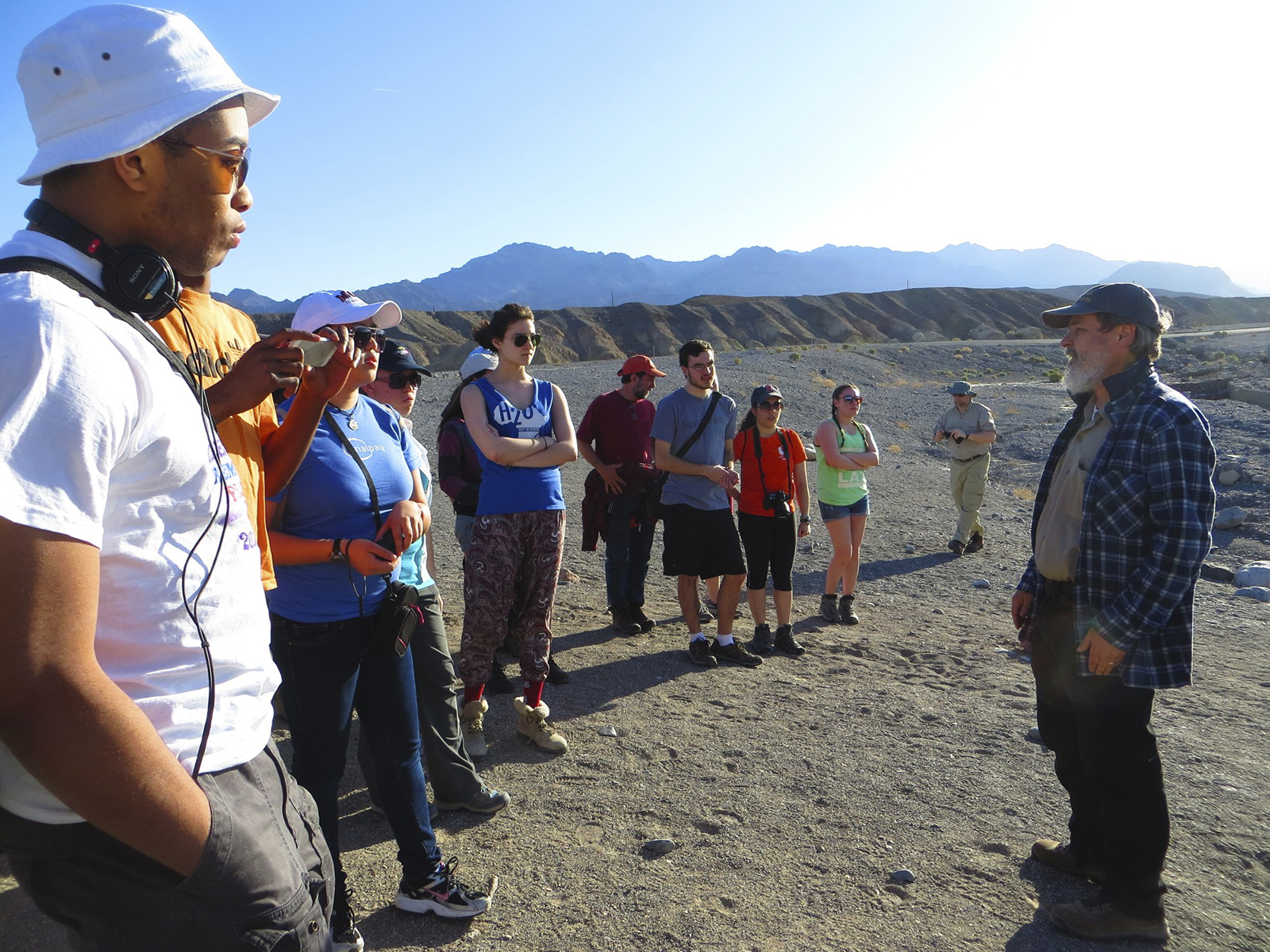
Over spring break, students travel to a part of the world at the heart of the year's topic
Radio students produce an audio piece and tell stories to the world. Listen to Terrascope Radio >>
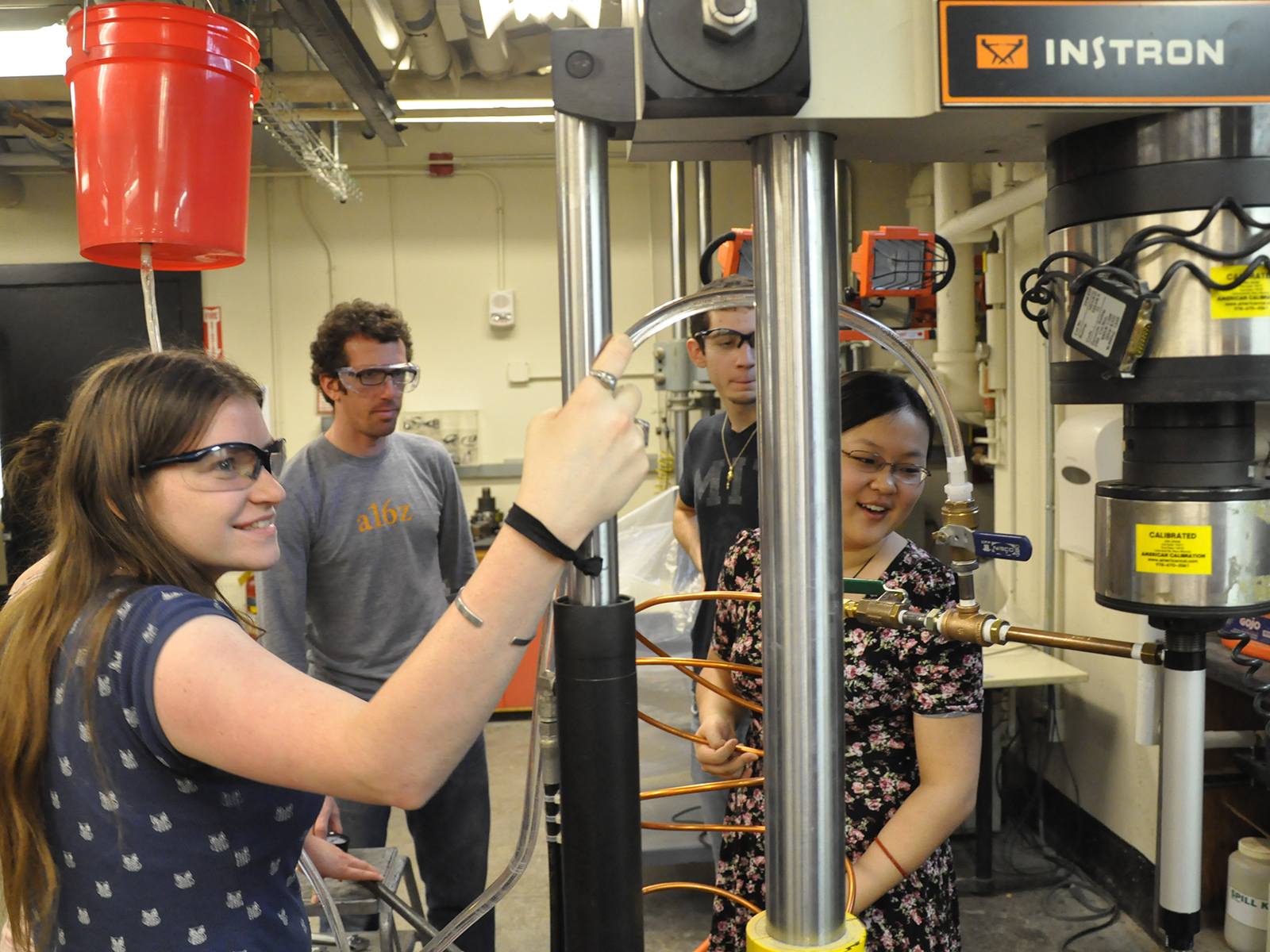
We offer academic advising and the support of peers, faculty, staff, and alumni to help first-year students navigate MIT
Student-led teams work on hands-on projects with mentorship from MIT faculty. Learn about our unique class offerings >>