Calendar Views
The Internet HTML Publisher feature generates the following calendar views:
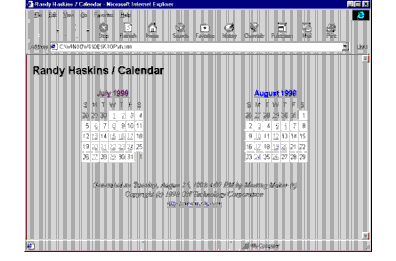
- A summary page view
- This view shows all requested published months. Days that have banners or events contain a link to the day view. This view is the default screen..
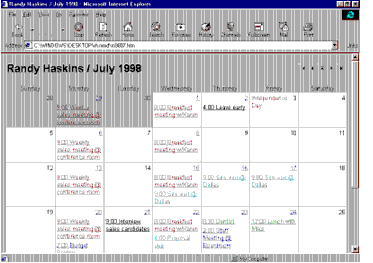
- A monthly page view
- A monthly view of your calendar can be viewed by clicking on the appropriate month's name.
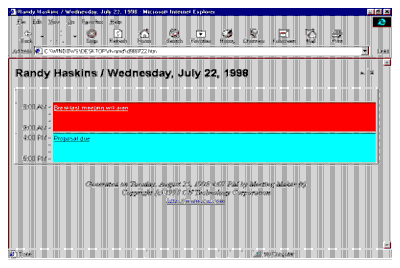
- A daily page view (single day)
- This view shows a particular day of your calendar.To view a specific day and the events on that day, click on the appropriate date in either the summary or monthly view screen.
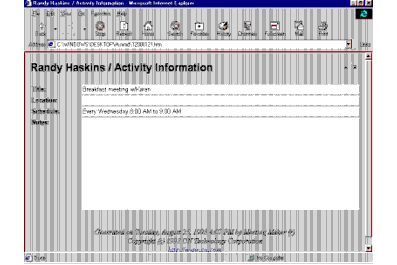
- An activity, banner, or meeting page view
- This view shows the Title, Location, Schedule and Notes of a particular event. From either the daily or monthly view, click an event to view these details.
The monthly, daily and event views contain a navigation panel that allows you to easily move from one page to another by clicking the appropriate arrow.



