

Overall Concept
System Assembly
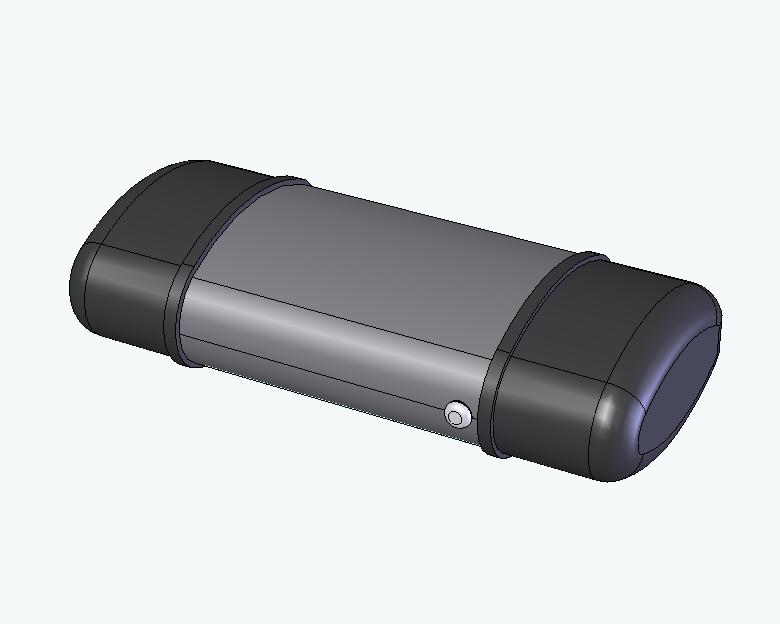
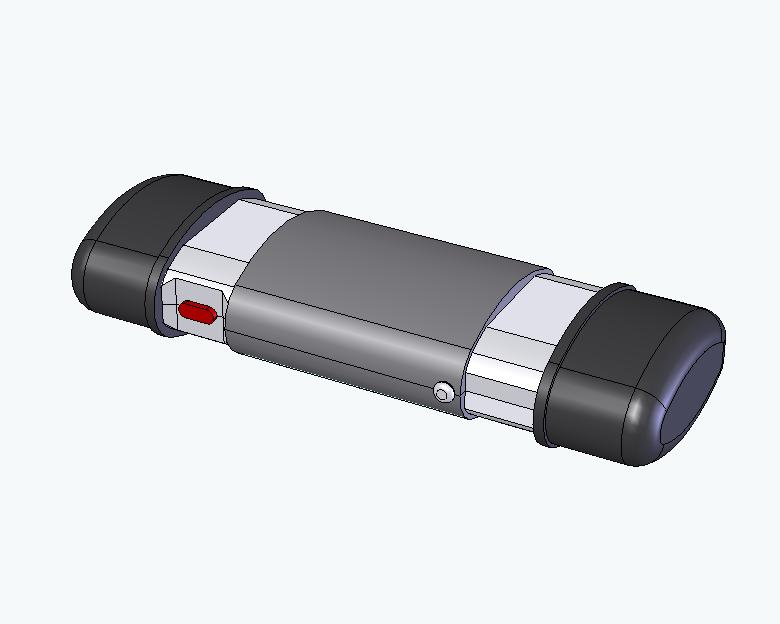
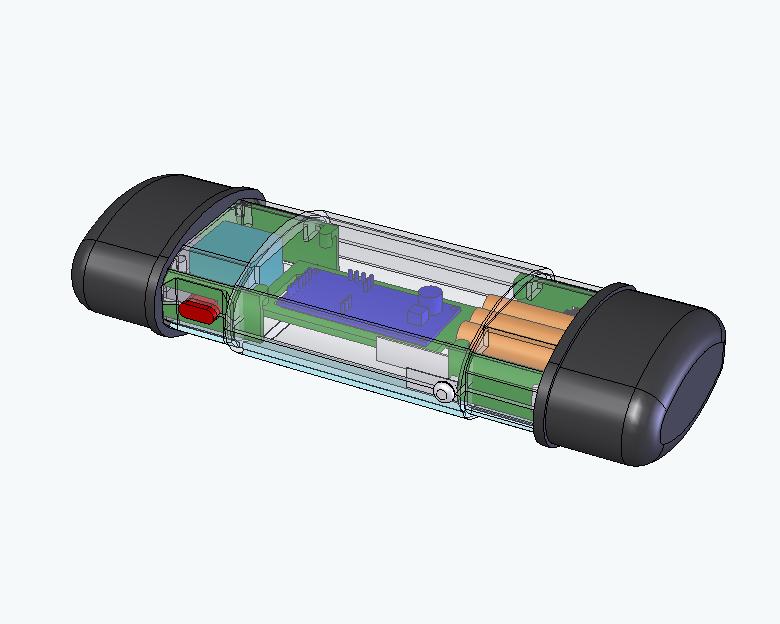
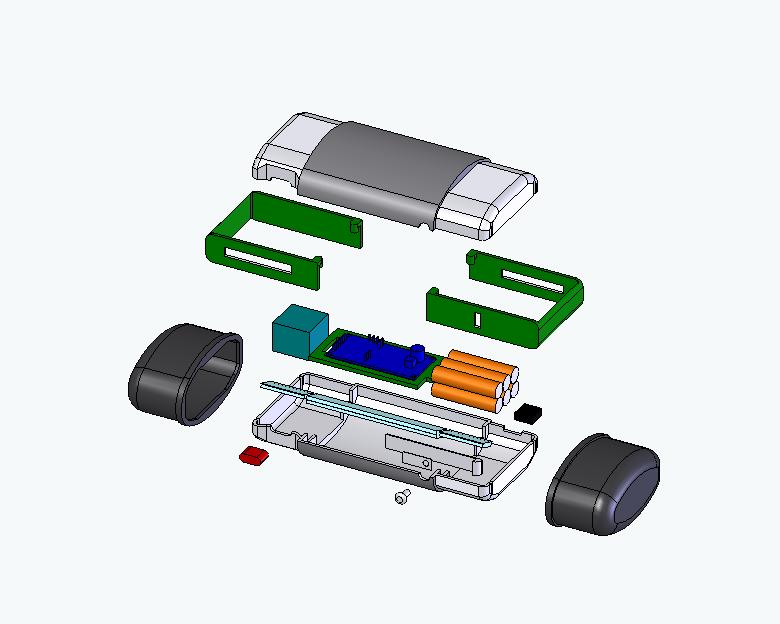
The major components of the photoscanner (in approximate order of packaging difficulty) are the RFID reader module, opening/closing mechanism, battery pack, light beam and inverter, microcontroller and switches/active symbols.
Our design is assembled as shown in the following clip:
System Operation
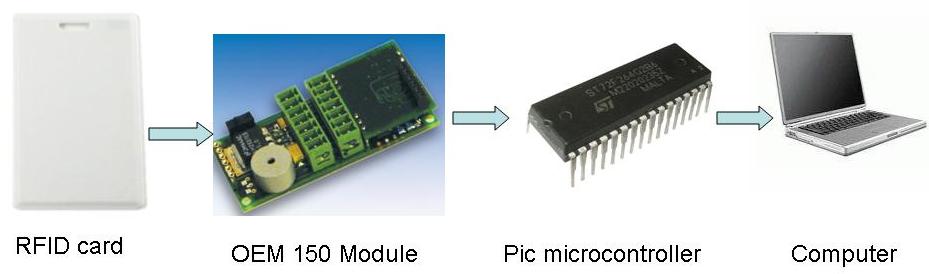
Our photoscanner is based around radio-frequency ID (RFID) technology. An RFID tag reader in the photoscanner reads the RFID tags embedded in the clues and gives the ID numbers to the microcontroller. This microcontroller remembers all the tags its seen and then downloads them to the exhibit control system when the photoscanner is docked. The exhibit control system can then adapt the storyline to match the clues that the guests found in the exhibit.
Additional functionality includes a variety of falsified user-feedback designed to give the impression of actually photoscanning the clues and a “low battery” warning that is actually telling the guide when the guests have found the four clues that are “critical” for completion of the Spy Adventure.
Use Instructions/User Interaction
Mandatory Instructions:
*“Connect USB cable to photoscanner to upload documents to HQ” (printed on the table in the surveillance van, next to the USB cable)
Optional instructions:
*“The eyeglasses case is a photoscanner device” (if the group size/ability is low)
*“Try opening the case” (if they don't open it)
*“Try pushing the (only) button” (if they don't try scanning anything)
*“Drag the scanner over the clue to scan it” (if they seem unsure what to do with the scanner once they've worked out that the button makes it scan things)
*“Try holding the button longer” (if they don't hold the button down)
*“Try holding the photoscanner closer” (if they're too far from the document for the light to be reflected off of it)
*“Try going slower” (if they're scanning the clues much too fast)
*“There's a port opposite the button” (if the user can't find the USB port in the surveillance van)
The photoscanner is a concealed device that the guide carries in the “spy toolkit” the team bring with them for this operation. The guests will have been briefed in the briefing area on the tasks to be completed in the Director's Office and will be expected to get stuck in once the guide opens the toolkit.
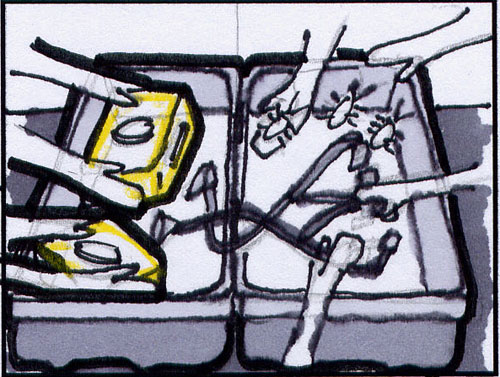
Depending on group size/ability, the guide may choose whether to identify each tool within the toolkit or not. (an eyeglasses case should be the last thing on the guest's minds, unless they've been paying attention to their time in the rest of the museum, leading to a meaningful delay here)
Having identified the eyeglasses case as a scanner, the only option available to the guest is to press the button to open the eyeglasses case. “Open the eyeglasses case" is intuitive and instructions will not be given except in extreme circumstances.
Having opened the case the user is presented with a button and some illuminated symbols indicating the status of the device and how it needs to move over documents.
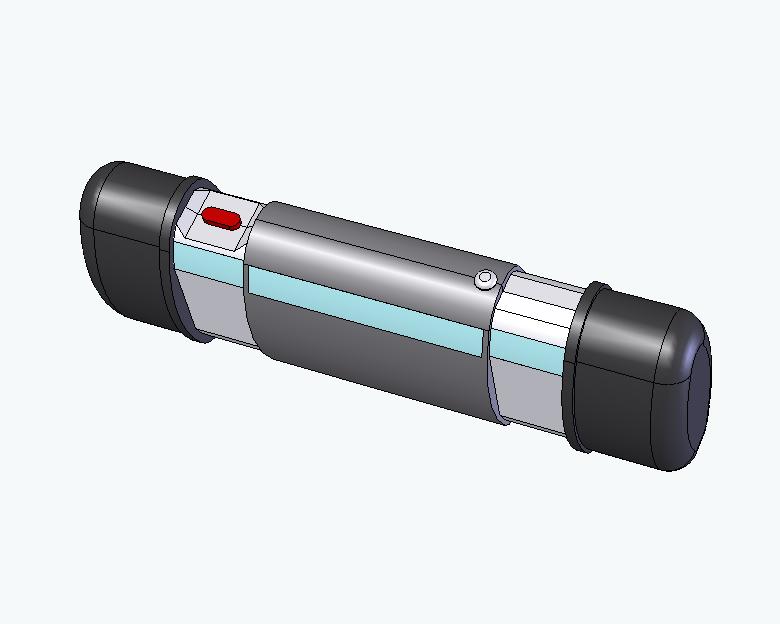
Pressing the button turns on the scanning light-beam on the underside of the device and the ‘scanning' indicator on the top of the device. Releasing the button turns off the scanning light-beam and ‘scanning' indicator. A ‘saving' indicator will appear on the top of the device and the scanning light-beam will be disabled (the button will do nothing) until the fake ‘saving' process is complete. The intention is that the guest quickly establishes that the device scans when the button is down then saves the scan when you release the button – only in-context user-testing can verify this.
The scanning light-beam is deliberately low-intensity, such that you canonly see its reflection when you are sufficiently close to the clue for the RFID system to recognise the tag. The form of the scanner (two-hand ‘beam' rather than one-hand ‘wand') makes rapid motion difficult. Combined with the symbols on the device, the intention is that the guest will push and hold the button whilst dragging the scanner over the clue, release the button, wait for the clue to be saved, and then move onto the next clue. In the event that distance, speed or general idea is a problem, the guide will have to hint at the correct use.
If the guests find all four of the clues that are “critical” for spy adventure, a (fixed duration and audio-visual) “low battery” warning will be activatedto signal this to the guide. (per request from the Spy Museum )
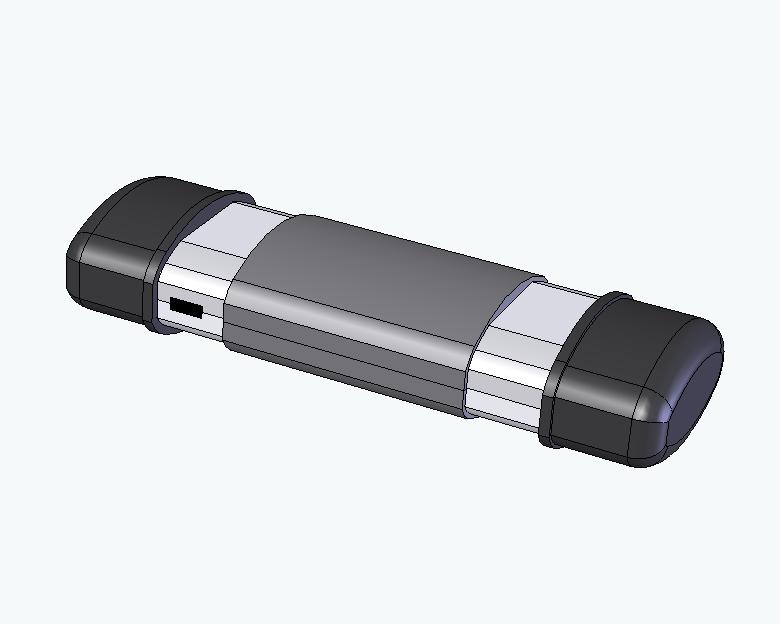
Having left the Director's Office (the device can stay with the guest or go back in the toolkit), the group will enter the surveillance van, where there is a USB cable on the desk and instructions for uploading documents from the photoscanner to HQ. Connecting the cable uploads the clue IDs to the exhibit control system, recharges the photoscanner and resets the photoscanner memory ready for the next group. The guide will then put the photoscanner back in the spy toolkit.