
 |
 |
 |
 |
Proposing a Meeting
From the File menu choose Propose Meeting. The next step is to enter a meeting title and location.

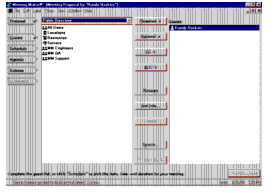
Click Guests and select names of people to invite to the meeting. You can also choose a meeting room. from this list.
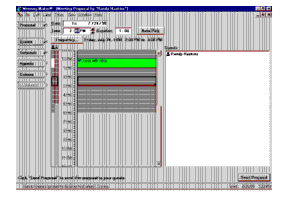
Click Schedule and pick a time that all your guests can attend, or click Auto-Pick to find the first time that all guests are available.
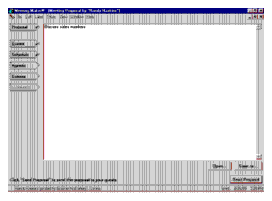
Click Agenda (optional), and enter an agenda, or cut and paste from a document created in another application.
Click Options (optional) to specify reminder or labeling options for the meeting. (These settings appear on your calendar only.) Conclude by clicking Send Proposal to send out meeting invitations.
| ON Corporation http://www.on.com |
| |
|
|
|