|
 |
 |
 |
Scheduling an Activity
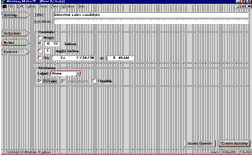
From the File menu choose New Activity, or drag a box on your calendar to indicate an activity time. Enter a title or brief description of the activity. Specify an activity date, time, and duration.
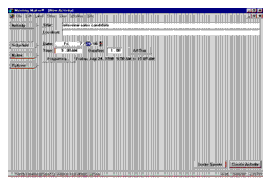
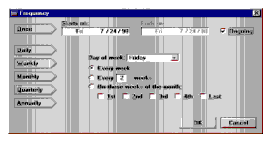
For recurring activities, click Frequency and select the appropriate options. Click Ongoing, or pick an end date.
Here are the operations you will now perform:
- Click Notes to add any additional comments about the activity.
- Click Options to specify a reminder or activity label.
- Click Private to keep your proxies from viewing the activity.
- Click Create Activity to place the activity on your calendar.
To change the activity to a meeting, click Invite Guests. Meeting Maker changes the activity to a meeting proposal that you can include people.

| ON Corporation http://www.on.com |
| |
|
|
|