|
 |
 |
 |
Creating a To-Do Item
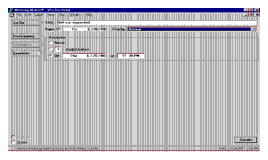
From the View menu choose To-Do List. Click New to create a new to-do item.
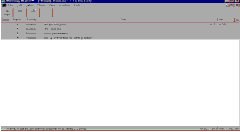
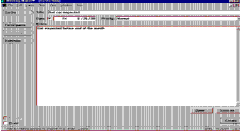
Enter a title for the item and assign a date to the to-do item (optional). Use the Priority menu to set a priority for the item (for instance, High, Medium). You can use the Notes field to add more information about the item.
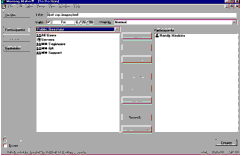
To make this a group to-do item, click Participants, and specify people to send the to-do item to.
| ON Corporation http://www.on.com |
| |
|
|
|