
 |
 |
 |
 |
Creating External Guests as "Contacts"
Whenever you are adding a new contact to a contact list, that is not already part of another guest list, you must be on-line during, or after you create the new contact, so that the server can assign the new contact a Global ID. If you add a new contact without going on-line, the new contact will not get a Global ID, and you will be unable to invite the contact to any meetings.
To create external guests:
- Select Contact List from the View menu. The Contact List panel appears:
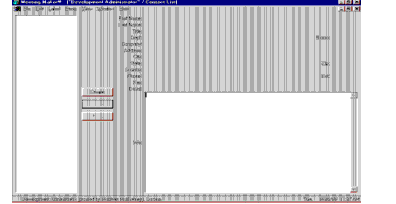
- Click
Create. The Contact Info Panel appears: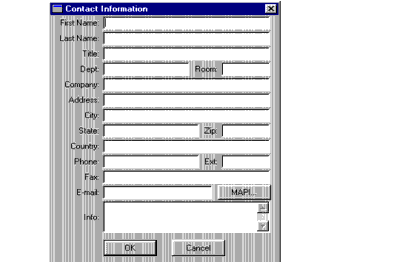
- Enter any relevant personal information for the contact. You must enter the contact's email address for the contact to receive a Meeting Maker email invitation. Contacts without email addresses can be added to proposals as a visual reference for other invitees, but such Contacts do not receive any form of invitation.
- Click OK. Add additional contacts as needed.
| ON Corporation http://www.on.com |
| |
|
|
|