QTools Users Manual
- Build a survey in 4 steps!
- Workspace
- Folder Management
- Survey
Build a survey in 4 steps!
Step 1. Create a folder.
Before adding a folder, decide where the folder will reside based on the existing folder tree structure. It is strongly recommended that folders and question sets belonging to Singapore or MIT be kept separate to avoid confusion.
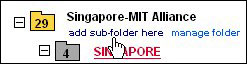
For this example, a sub-folder is created in the parent folder called Singapore-MIT Alliance.
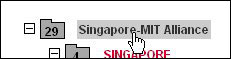
- Click on the parent folder Singapore-MIT Alliance
- Click add sub-folder