QTools Users Manual
Workspace
Password Reset
- Launch your favorite Internet browser (e.g. IE, Netscape, Firefox)
- Go to http://web.mit.edu/sma/

- Click Login

- Under Log in to faculty/staff area, enter password

- Click login
- Under QTools, click SMA administrators and faculty
- Click Forgot password?

Note: Clicking on password will launch the Reset Password window.
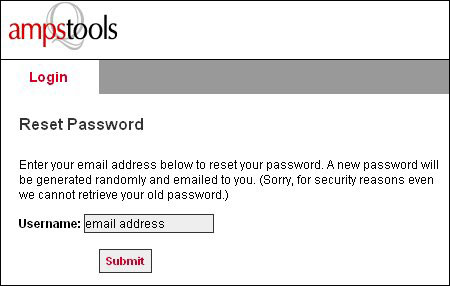
- Enter your email address
- Click Submit
Note: For questions or information on username and password, contact Mark Brown.