|
 |
 |
 |
Creating a Banner
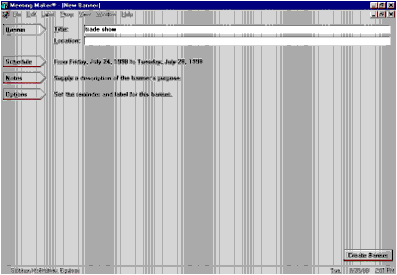
To create a banner:
- From the File menu, select New Banner,
- Enter the title of the banner in the Title field. Press the TAB key to move to the Location field.
- Enter a location to display on the banner (optional).
- Click the Schedule button to enter the date range that you want the banner to span. If you created the banner by dragging the mouse across the days that you want to span, go to Step 6.
- Click the Notes button to provide information about your banner. If you do not want to add notes, go to Step 7.
- Click the Options button to set reminders, and/or to make the banner private, publishable, or flexible. Selecting Flexible does not block busy time on your calendar. Leaving Flexible unchecked blocks your calendar and you appear unavailable to other users.
- Click Create Banner.
| ON Corporation http://www.on.com |
| |
|
|
|