Heidi Chen
Wireless Easy Off Button: Outlet Junction
Goals | Electronics | Design of Outlet JunctionDesign Considerations
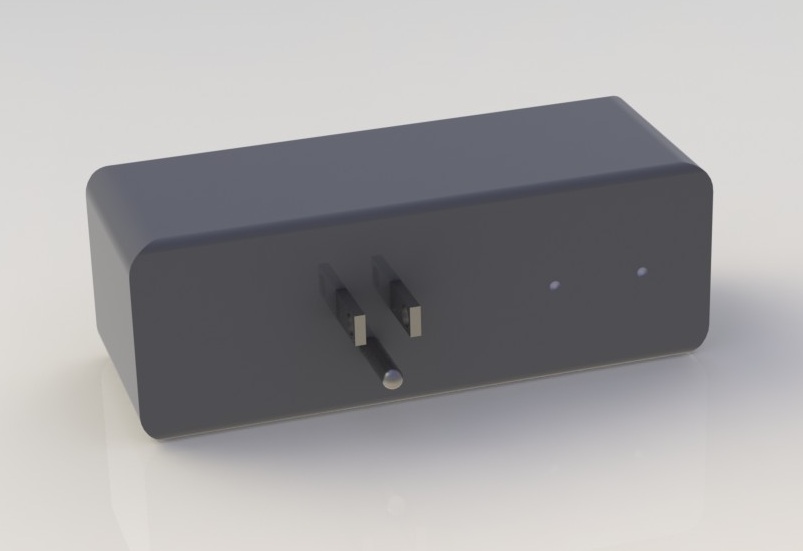
After picking out the components, the next step was to design the outlet junction and put it all together in space. Hence, I obtained maximum dimensions for all the electronics components, modelled them in Solidworks as boxes, and toyed with arrangements until I found the most compact configuration.
While building up the skeletal structure of the device, there were several electrical considerations to keep in mind:
- The high voltage space should be physically separated from the low voltage space by a non-conductive divider.
- Vents should be included near the electronics for heat dissipation.
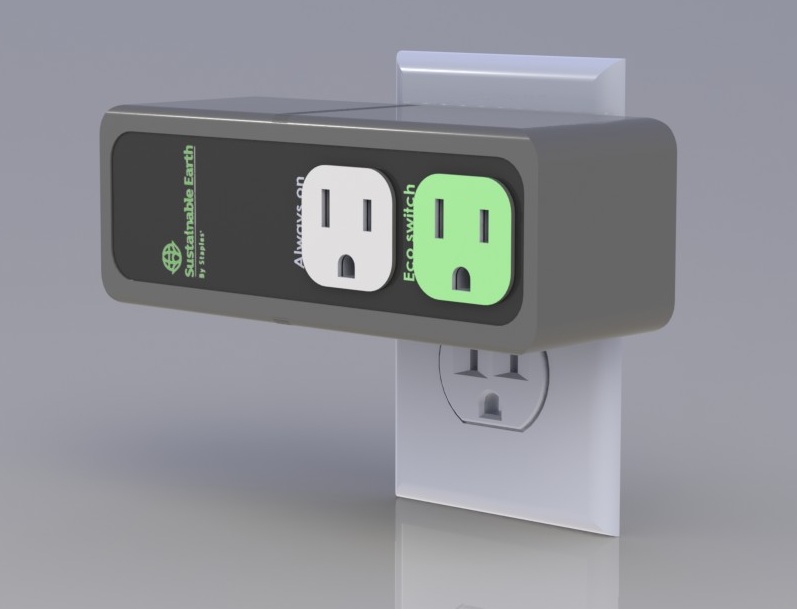
- There should be an "always on" outlet to give users the option of not having a device be switched off by the easy button.
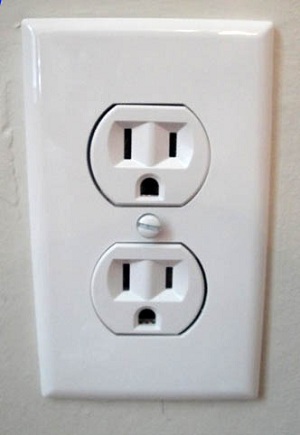
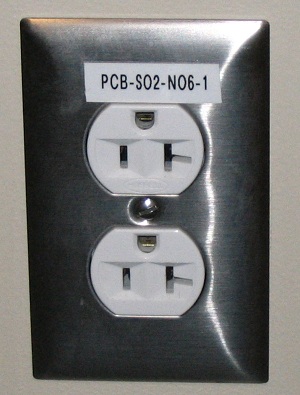
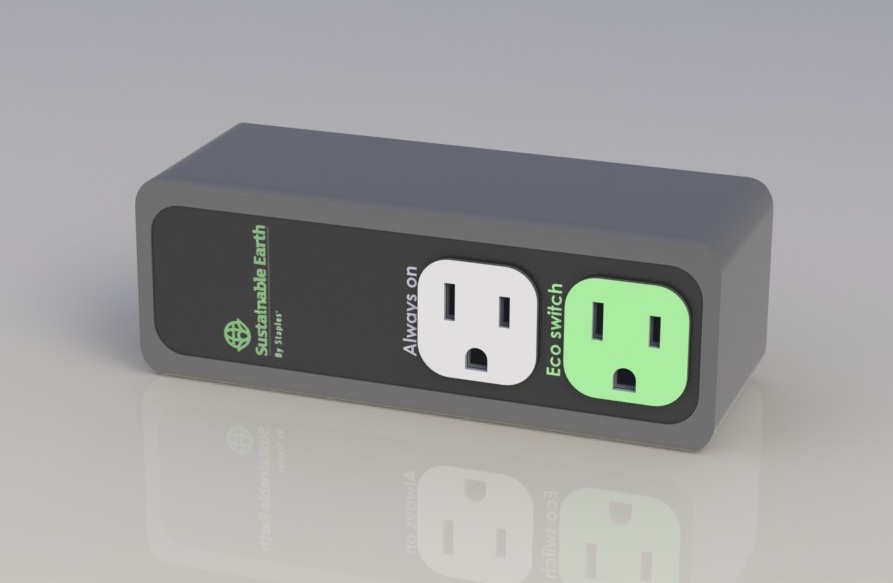
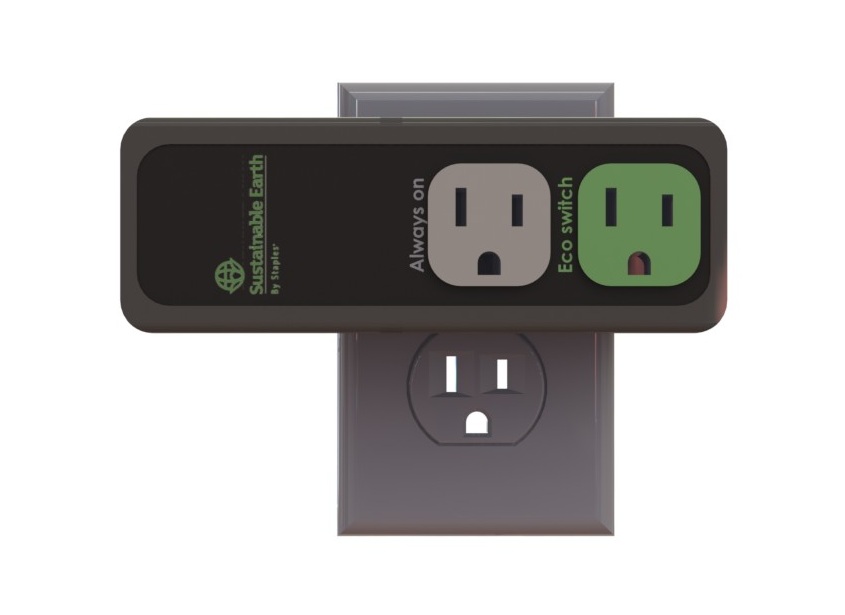
Additionally, while studying power strips and outlets, I realized that outlet orientations are non-standard. Thus, text labels were oriented on the side so that they are always readable and never upside down. The space between the outlets was also taken into consideration, so that the maximum height of the device would not block the other outlet.
Other design goals were to make the outlet junction:
- Easy to understand
- Aesthetically simple to convey the feeling of ease
- A slightly warm color palette to convey eco-friendliness and being close to nature
- A design language similar to Staples' eco-friendly line.
- Usable for people with color-blindness (value differences) and the visually impaired (ridged edges).
Structure
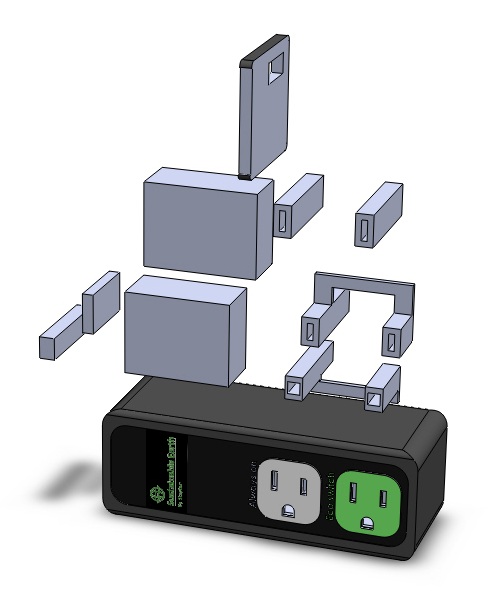
The resulting exploded views show the arrangements of the parts within the outlet junction.
Surface, Details, and Graphics