











| Initial Sketches: |
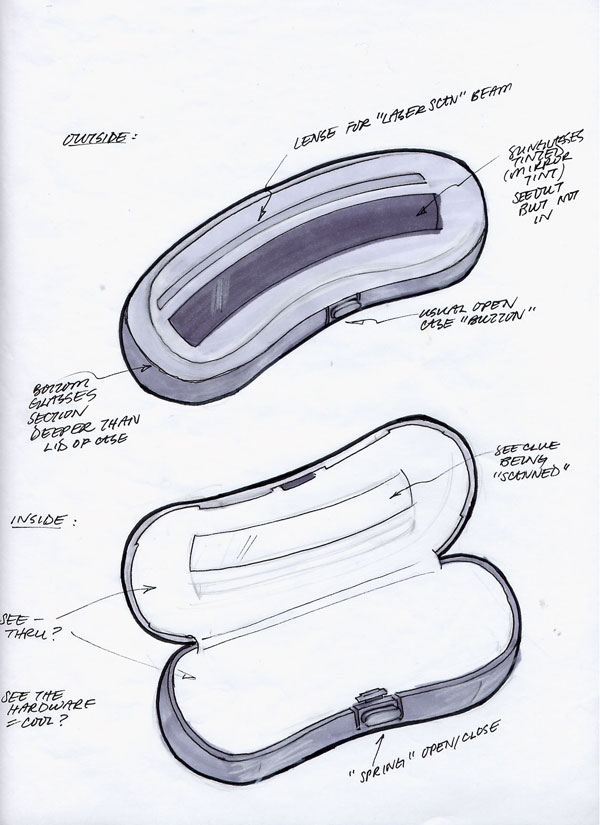
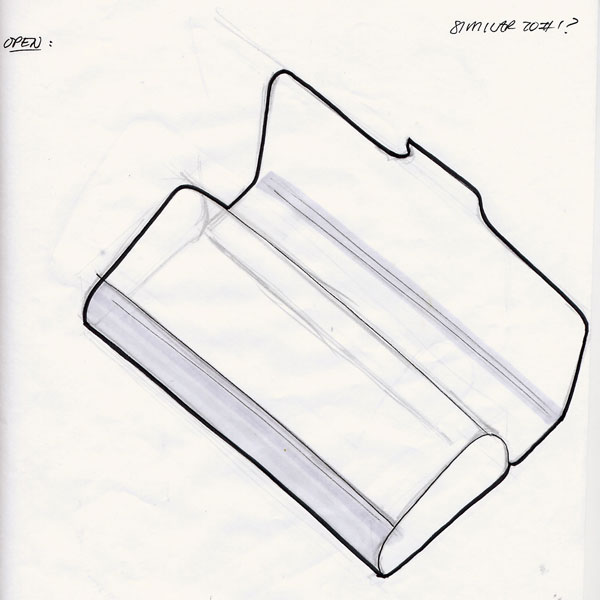
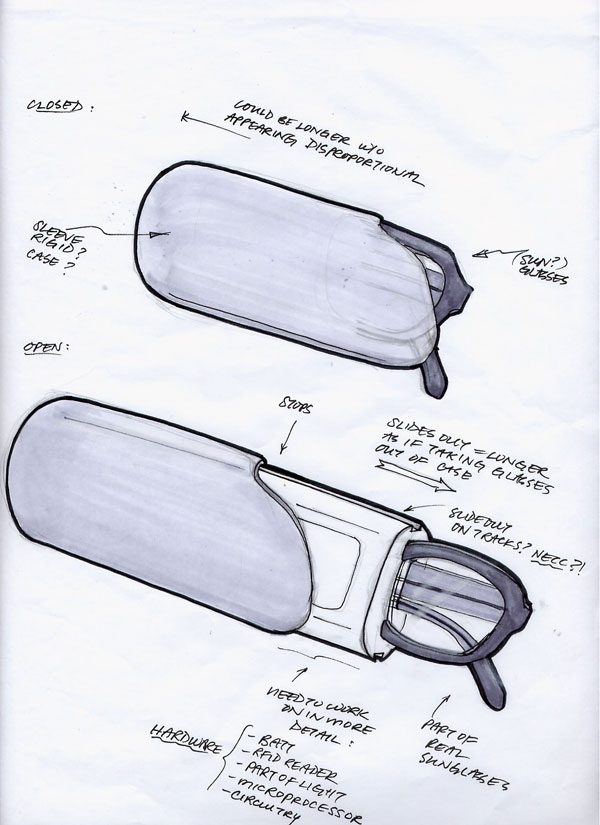
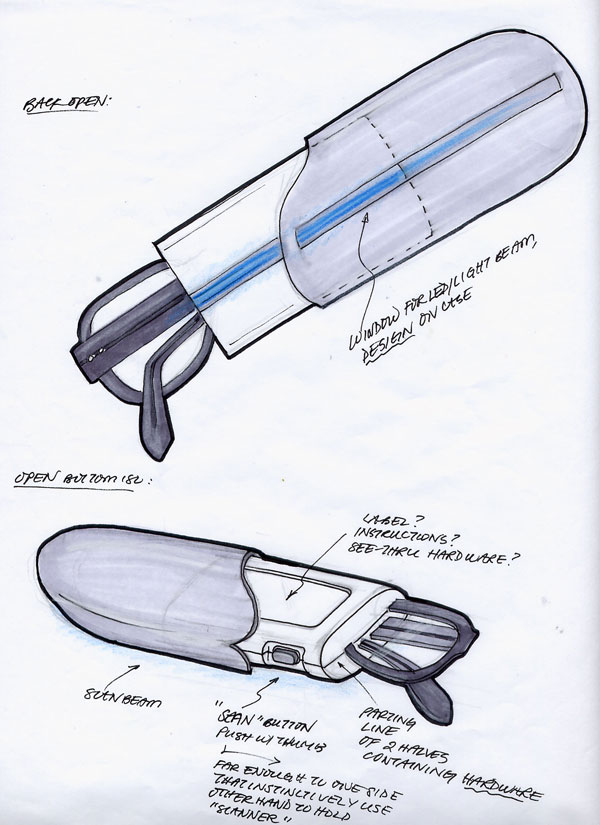
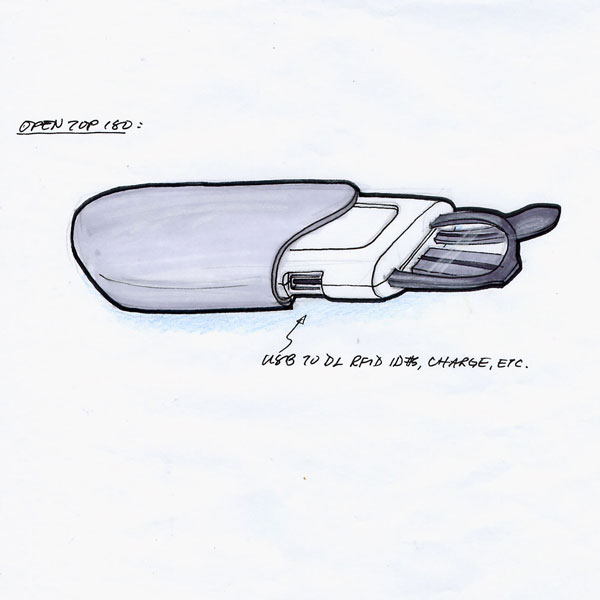
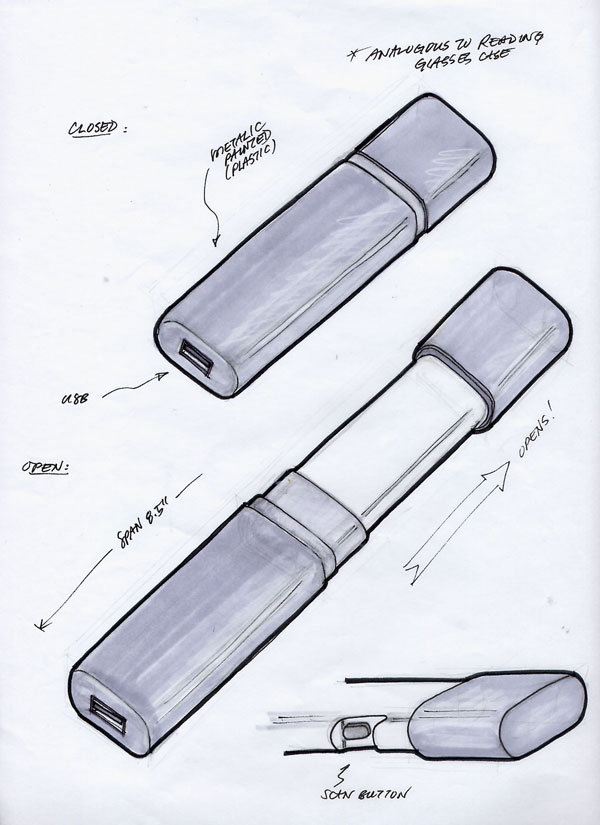
First, it we needed to determine which glasses case to conceal our scanner in. There were two main styles out there: clam shells, flip tops, and some version of either of those two. Recalling the techniques of concept sketching several sketches were made to explore the possible glasses case and how they could also double as a clue scanner. Click on the image to enlarge.
Clam shell:
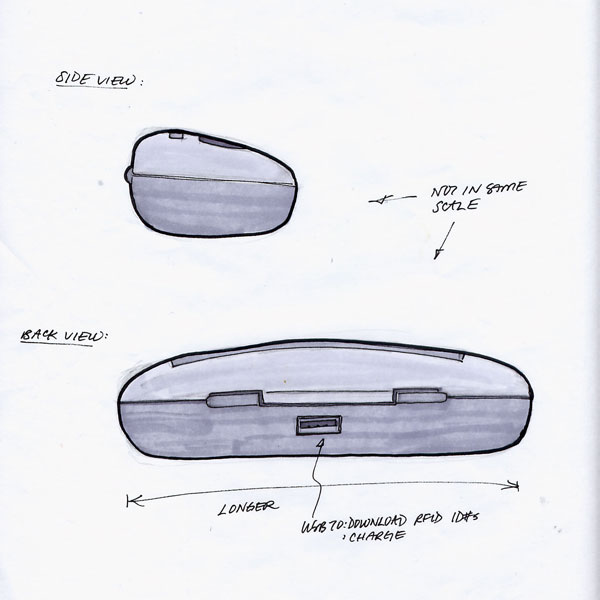
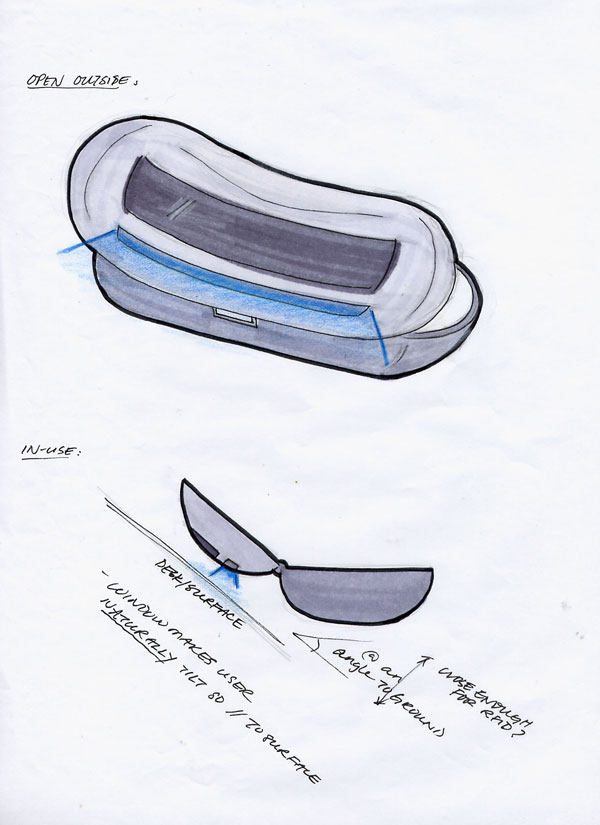
Flip-tops:
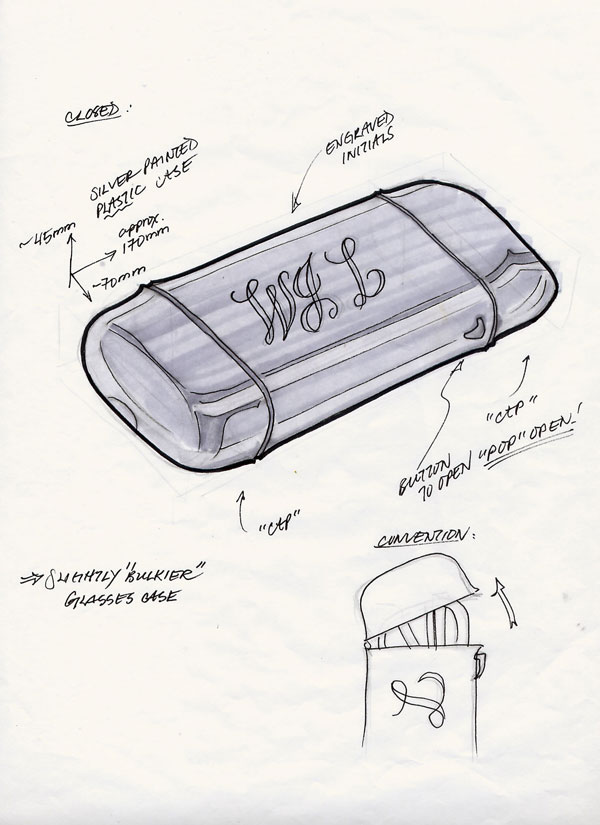
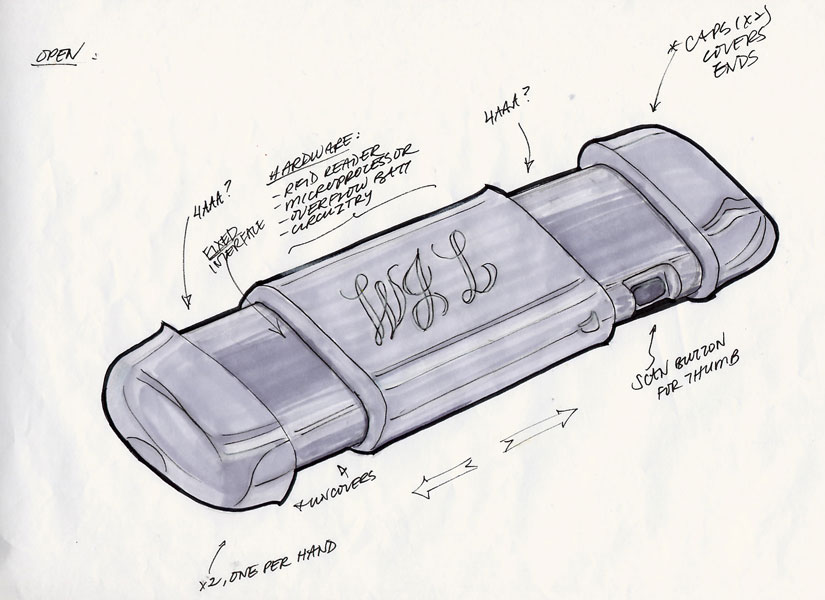
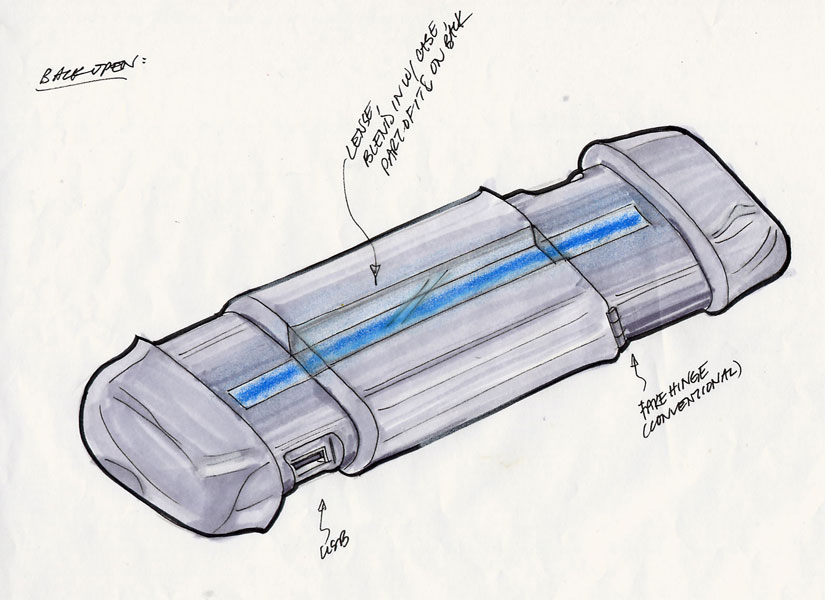
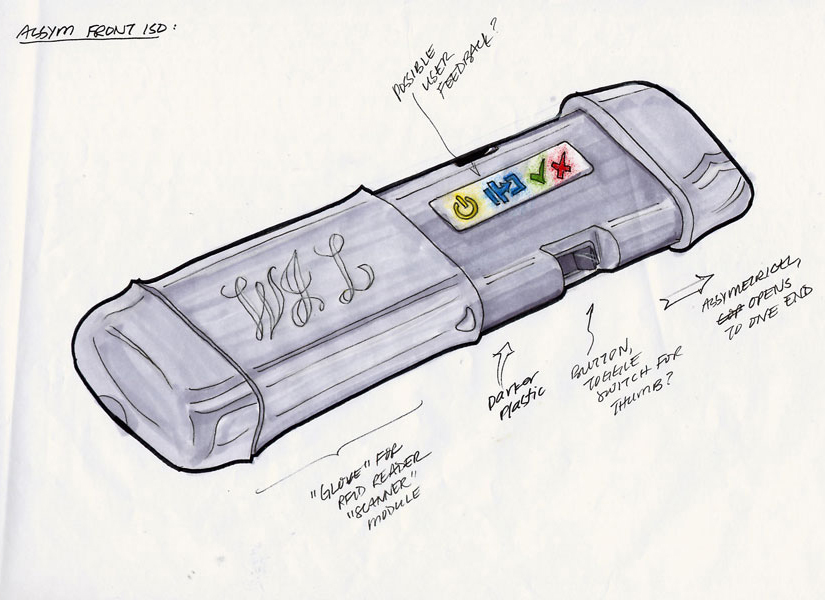
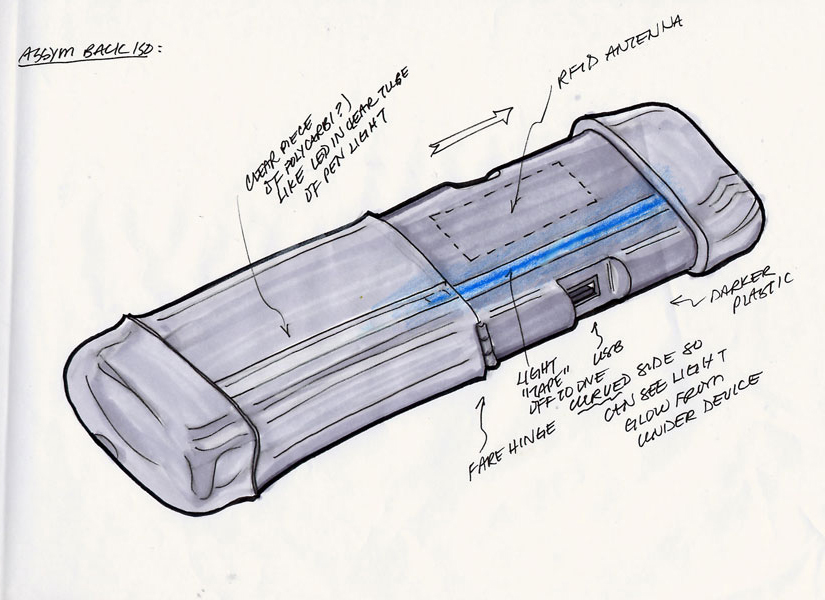
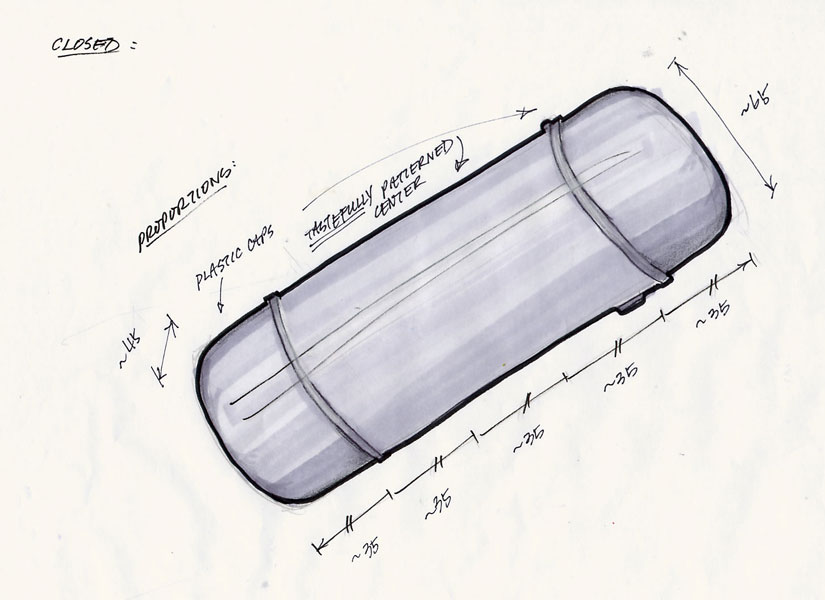
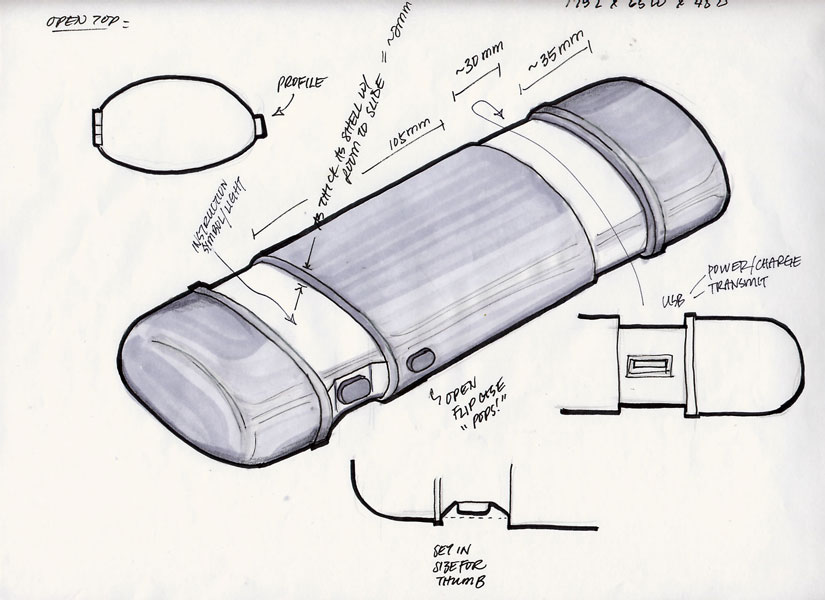
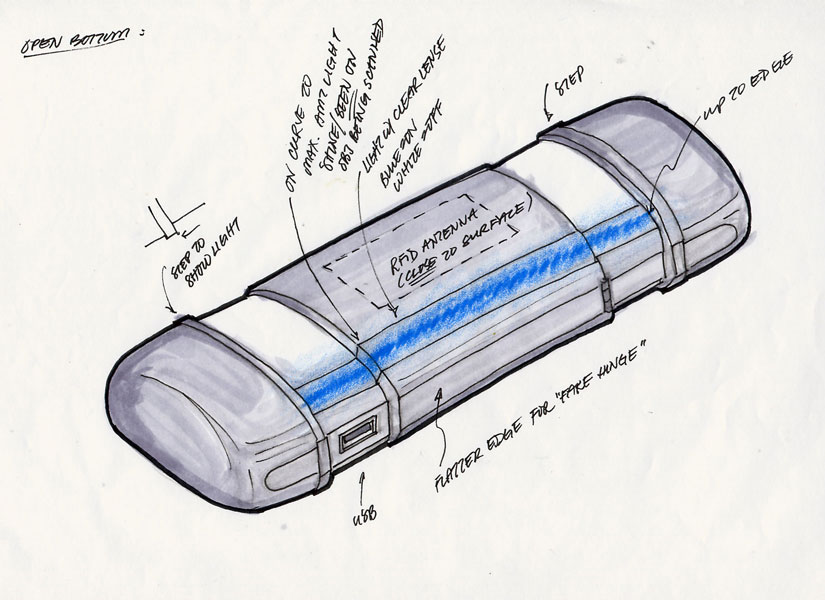
Variations:
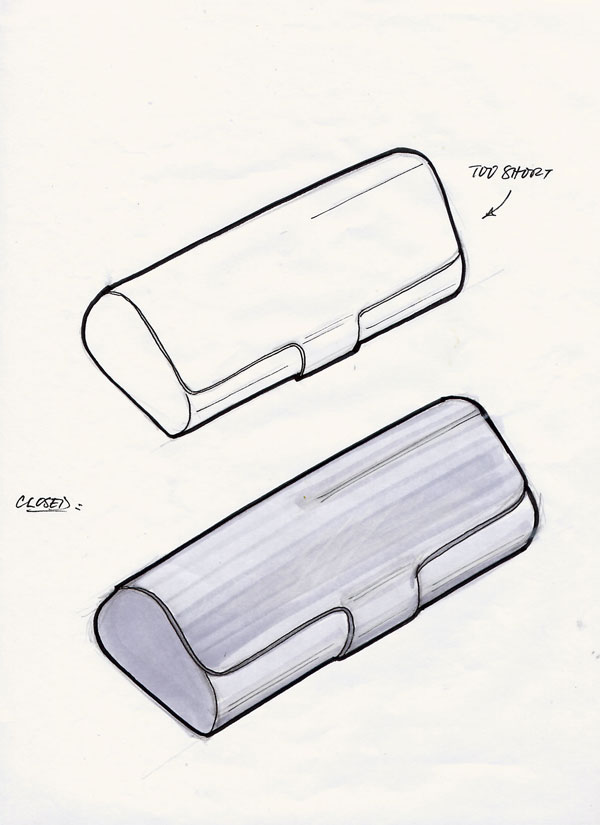
| User Testing: |
Our goal was to design a glasses case clue scanner that the user can easily follow the how they normally interact with the glasses case and naturally transition to using it as a scanner. Bottom line: they should open the glasses case like any ordinary glasses case, no special tap on the logo, etc. to reveal the clue scanner.
There were some key questions we needed answer in order to narrow down our glasses case choices and pick the ideal one to conceal the clue scanner in:
| 1. Where did the user place their hands when they held and tried to open a glasses case? More importantly, where can we have moving parts? We couldn't have the case pop open right under the user's fingers. | ||
| 2. How would the user hold this glasses case scanner, being told only that the device was a scanner, to scan? | ||
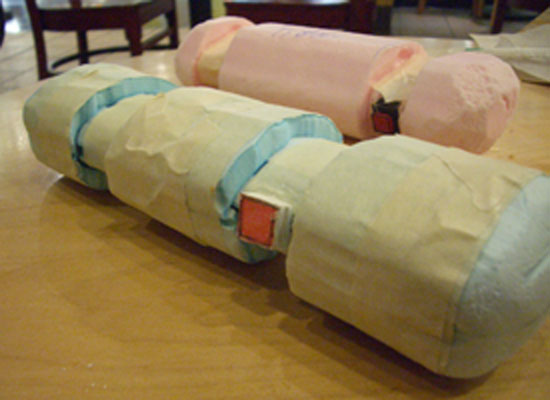 |
In our minds, the user would hold the ends of the scanner with two hands and scan. But we couldn't be sure of this. What we were sure of was that the glasses case ends must pop open to extend the overall length of the scanner to cover the shorter length of an 8.5" x 11" sheet of paper. So we made two quick-15-minute sketch models of roughly the size of a regular sized glasses case (175mm x 65mm x 45mm) with two variations: (1) ends were similar in length to flip-top cases, (2) ends were longer so that users can comfortably place their hands over to hold. |
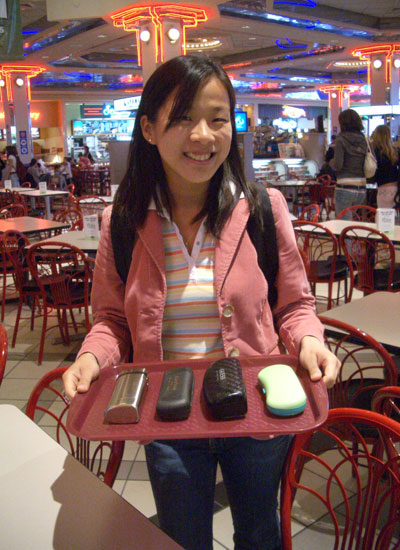 |
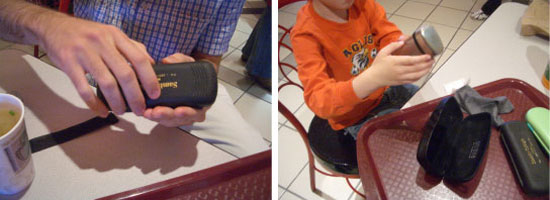
Armed with three types of clam shell cases (opens with: push of button, lift clip, open lid) and one flip-top case we headed to the galleria to study how everyday people interacted with glasses cases.
|
In the Galleria Food Court we targeted users of all age and ethnicity to see where their hands were placed when opening the glasses cases. In general, for clam shell cases, the users spread out their fingers to support the case as their opened it. For the flip-top case, they held the center portion of the case and "flipped" open the tops. So the ideal case to have the ends pop out would be a flip-top case.
Testing how the user "scanned" their clue we placed the two sketch models in front of them asking them to pretend they are document scanners and scan the 8.5" x 11" sheet of paper placed in front of them. All but one user used one hand to hold the scanner. They used their other hand to hold the paper in place as they scanned. The one user was a small child.
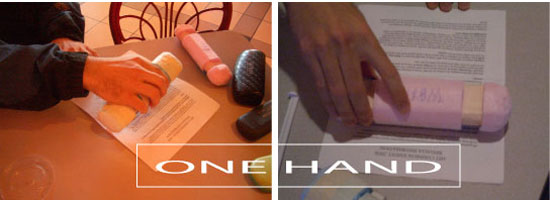
Cap lengths (end of the flip-top case) made no difference in how the user held the device, they still held it with one hand. What more, they did not hold it in the two hand method as we initially thought, the majority of the users held it in the middle as depicted in the image above right.
We managed to test 13 people before people started starring at us and learning what we were doing. We stopped the tests because we didn't want to test users who were already influenced by others how to hold the scanning device.
| The Design |
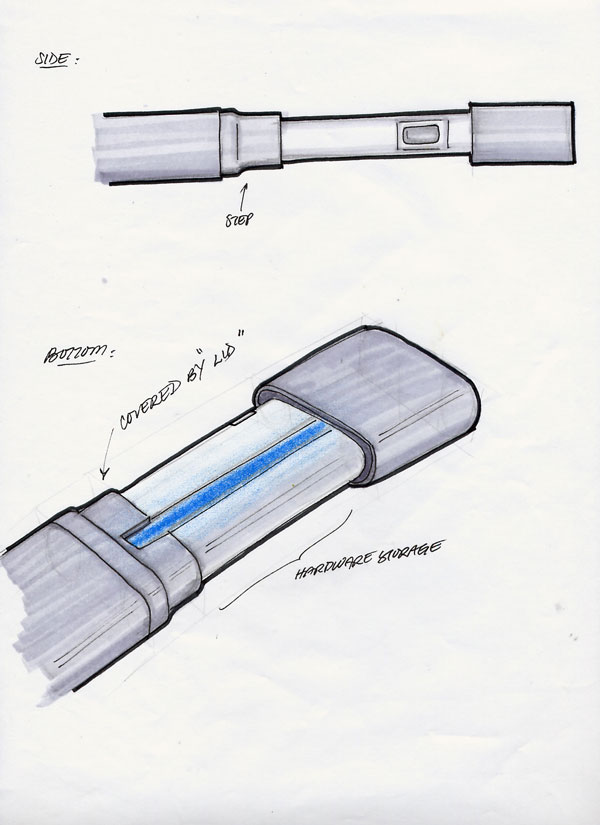
Combining the intial sketches and what we learned, a flip-top case was chosen to be the concealed device for the clue scanner. Dimensions of an actual flip-top case was used and adhere to as closely as possible.
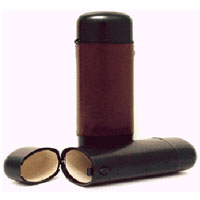
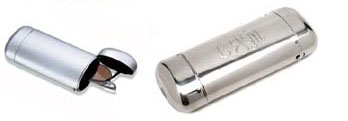
The scan button is located on the front left of the scanner as determined by how the users held the devices to scan during our user tests. The button to open the flip-top case is also located near the scan button, since the user's thumb would already be near the button.
When the user tries to open the glasses case like a regular flip-top case, the two ends pop out to reveal the scanner. Illuminated symbols instructing the user how to use it and also give feedback about the state of the device lights up on the two surfaces the end caps once covered. There is only ONE other button to push (besides the one that opened the case) and after seeing the symbols the user will know that the device is a clue scanner and the button is the scan button.
Holding down the button, the user "scans" the clue. A beam of light turns on and can be seen on the surface of the clue. When they are done scanning, they release the button and the lighted symbols on the device give feedback on whether the scan was successful or not. If successful, the user moves onto the next clue to be scanned.
