











We decided
that all the instructions and feedback that we would give to the user
would be in the form of symbols. These symbols that we designed had to
convey multiple messages.
It needs to:
• Tell
the user how to use the scanner
• Indicate that there is a scan in progress
• Indicate that it is saving the scan
• Indicate to the guide that the 4 critical clues have been scanned
The symbols need to be concealed when the scanner is closed. This limits the space available to two 30mm x 35mm areas. We decided that the left panel would have a symbol that would indicate to the user how to use the scanner. The right panel would provide feedback to the user about the status of the scan. It would also indicate to the guide when the 4 critical clues have been read.
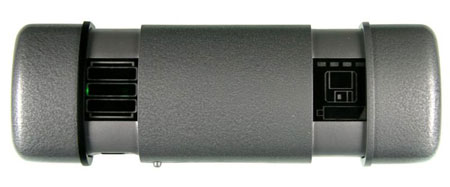
To accomplish this we came up with the following two symbols.

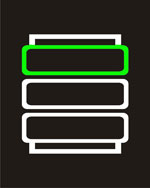
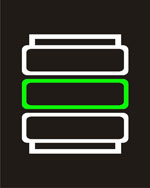
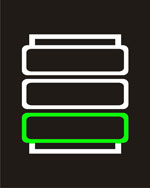
When the device is turned on the symbol on the left will indicate to the user how to use the scanner. It is a series of flashing lights that conveys the motion of the scanner down a piece of paper. The flashing green light indicates the active part of the scanner and there are pieces of paper at the top and bottom.
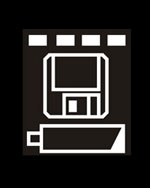
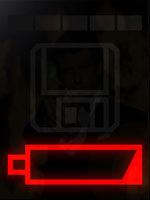
| The symbol on the right indicates that the scanner is scanning. This is done by the moving green rectangles on the top. It also indicates that the document has been completely scanned and has been saved. This is done by the flashing disk sign. This is provided so that the users have some closure to the fact that they have actually scanned and saved everything. In the current design we decided not to provide feedback to the user whether or not the device has actually registered a clue. We determined that this was too unrealistic and would make people scan everything to see if it registers. The fact that the four critical clues have been scanned is indicated with a flashing low battery symbol. This again will trick the users into thinking that this is part of an actual device, but this would indicate to the guide that the 4 critical clues have been registered. | 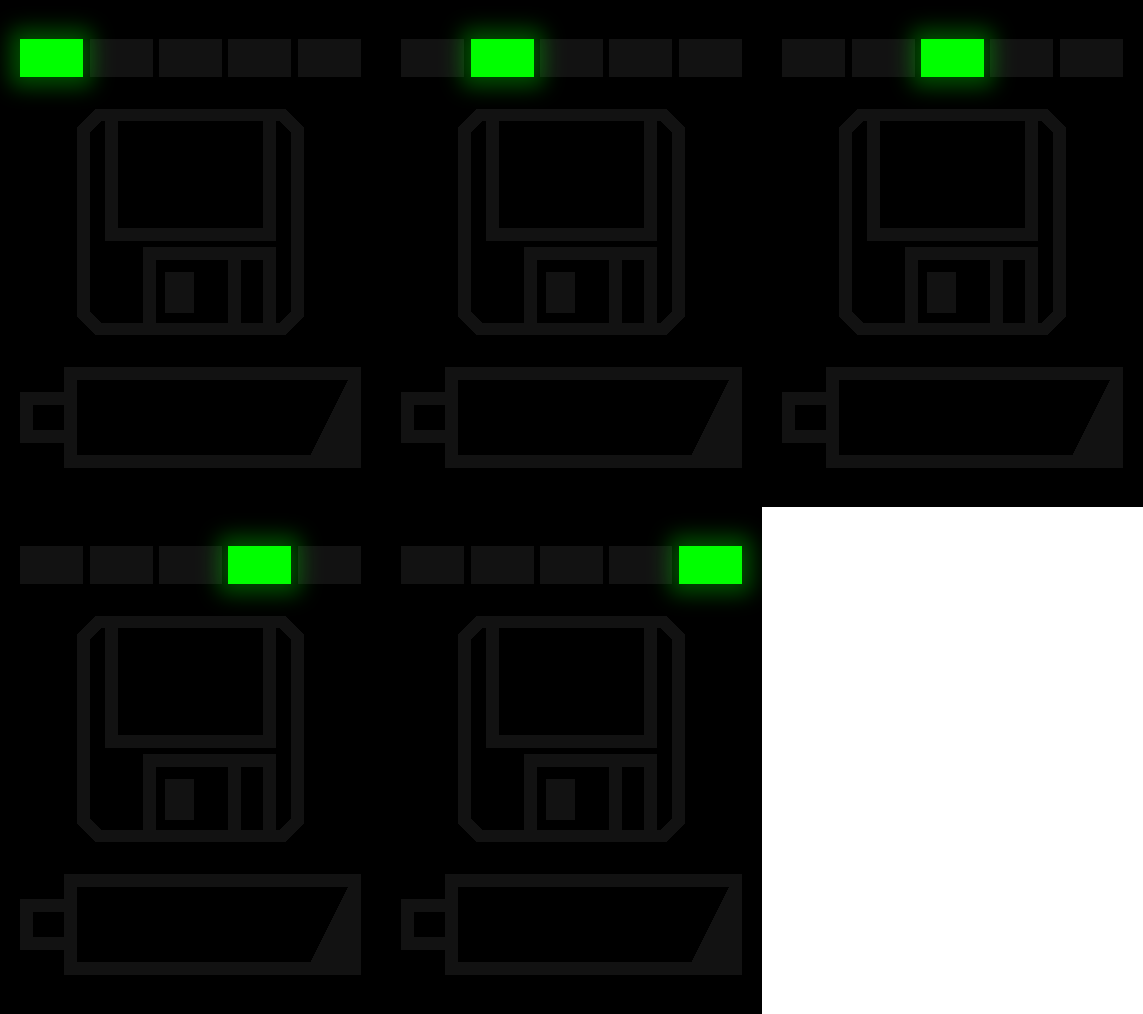 |
| Sequence for the user: |
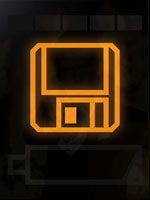
When the user opens the scanner they should see the flashing green symbol on the left and should be able to figure out how to use it. When they hit the scan button, the EL lights at the bottom will light up to simulate the scanning. At this time the green triangles also start to flash and move across. Once the scan button is released, the orange saving symbol goes on to indicate that the device is saving. Once the user has scanned the four critical clues the low battery symbol goes off telling the guide that they can move on.
| Problems with current design and Improvements: |
| We believe that where the symbols are placed depends upon how a user uses the device. If they use 2 hands the symbols should be visible. However if they use only one hand they will cover up one of the symbols. It seemed to us that a right handed user would most likely want to use his right thumb to press the scan button and this would most certainly cover the scanning/saving symbol while scanning. Also, having 2 flashing symbols at the same time (scanning and progress of scanning) maybe confusing to some people. To avoid this one may want to use a static symbol such as the one on the right. |  |
