QTools Users Manual
- Build a survey in 4 steps!
- Workspace
- Folder Management
- Survey
- Add Question Set
- Add Question
- Add Text
- Delete Question Set
- Delete Question
- Delete Text
- Edit Question
- Edit Text
- Export Survey Results
- Import Questions
- Invite Participants
- Move Question Sets
- Preview Survey
- Rename Question Set
- Response Options
- Set Active/Expire Date
- Sort Questions
- View Survey Properties
- View Survey Questions
- View Survey Results
- View Survey Status
Survey
Add Text
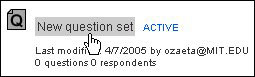
- Click on a Question Set
- Click on the Questions tab

- Click add text

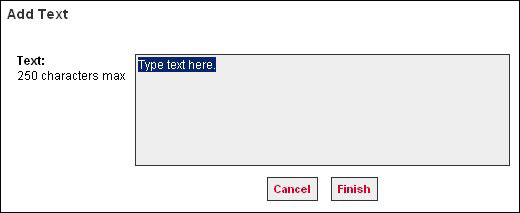
Note: The add text button is located in the lower right portion of the QTools window. - Highlight 'Type text here.', then enter text to display (e.g. instructions).
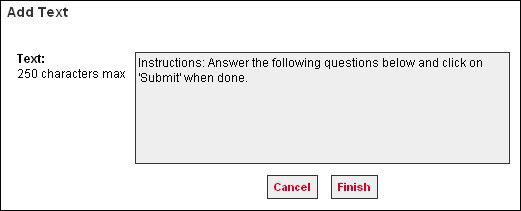
- Click Cancel or Finish